Best Apps to Watch FIFA World Cup 2026 Live: Free and Paid Streaming Options
The FIFA World Cup 2026 kicks off on June 11 across 16 cities in the USA, Canada, and Mexico, with a record 48 teams playing 104 matches through July 19. Whether you want to catch every group stage thriller or just the knockout rounds, choosing the right streaming app matters. This guide breaks down the best apps to watch FIFA World Cup 2026 live — covering free options, paid platforms, pricing, device support, and which app fits your budget and viewing style.
Quick Answer: The best apps to watch FIFA World Cup 2026 live include FOX One ($19.99/month) for full 4K English coverage of all 104 matches, YouTube TV Sports ($64.99/month) for the best value with English and Spanish feeds, and FIFA+ (free) for highlights and select live matches. Tubi offers two free matches in 4K, including the USA opener against Paraguay.
How FIFA World Cup 2026 Broadcasting Works
Before picking an app, it helps to understand how the broadcast rights are split.
In the United States, FOX Sports holds exclusive English-language rights for all 104 matches. FOX broadcasts 70 matches, and FS1 carries the remaining 34. For Spanish-language coverage, Telemundo and Universo broadcast all 104 matches, with Peacock streaming the full tournament in Spanish.
This means every paid streaming app that carries FOX and FS1 gives you complete English coverage. The difference between apps comes down to pricing, features like cloud DVR, 4K support, and whether you also want Spanish-language feeds.
For viewers outside the United States, FIFA has partnered with YouTube as a “Preferred Platform,” allowing official broadcasters in certain regions to stream the first 10 minutes of every match free on YouTube. Full-match availability on YouTube varies by country.
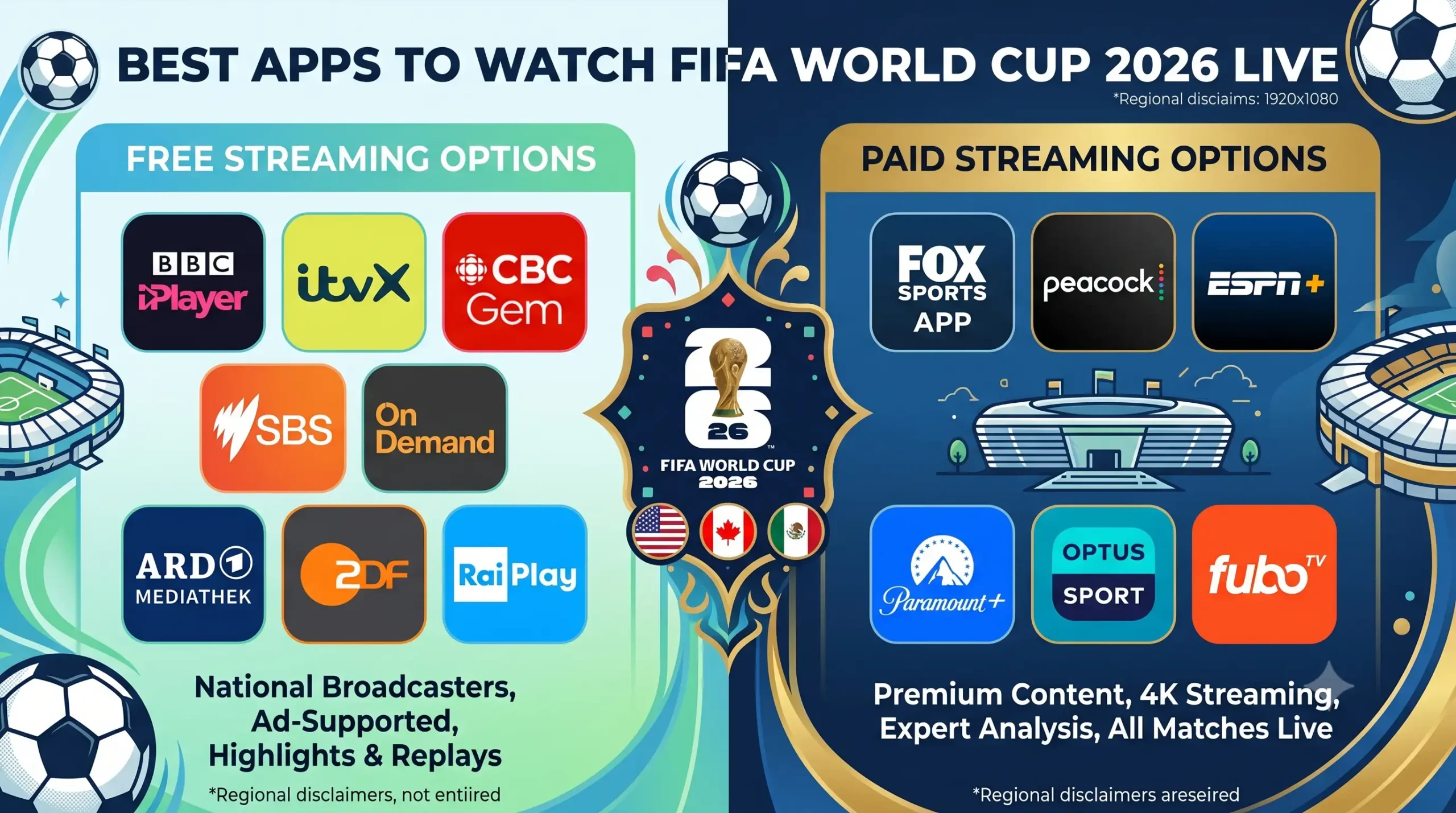
Free Apps to Watch FIFA World Cup 2026
1. Tubi — Free Live Matches in 4K
Tubi is the standout free option for US viewers this World Cup. The ad-supported streaming service will broadcast the opening ceremonies live, plus two complete matches in 4K:
- Mexico vs South Africa (June 11, 3:00 PM ET) — the tournament opener at Estadio Azteca
- USA vs Paraguay (June 12, 9:00 PM ET) — the USMNT’s first group stage match
Tubi also provides comprehensive on-demand replays of matches after they conclude. You cannot watch every match live on Tubi, but for the two biggest opening games — including the US opener — it costs nothing.
Price: Free (ad-supported) Devices: iOS, Android, Smart TVs, Roku, Fire TV, web browsers Best for: Fans who want to watch key matches without spending anything

2. FIFA+ — Free Highlights and Select Matches
FIFA+ is FIFA’s own free streaming app. It does not carry full live coverage of every match in most regions, but it offers select free live streams (depending on your location), full highlight reels, match replays, and a deep archive of past World Cup tournaments.
To use it, visit plus.fifa.com or download the app from the App Store or Google Play. No payment details are required — just create a free account.
Price: Free Devices: iOS, Android, Smart TVs, web browsers Best for: Catching highlights, replays, and supplemental content alongside a main streaming subscription
3. YouTube — Free First 10 Minutes of Every Match
FIFA’s partnership with YouTube means official broadcasters can stream the first 10 minutes of every World Cup match for free on their verified YouTube channels. After those 10 minutes, you need to switch to a full broadcast to keep watching.
In some regions, broadcasters may stream full matches for free on YouTube — but availability depends on your country. For US viewers, YouTube serves more as a teaser than a complete viewing solution.
Price: Free Devices: Any device with a browser or the YouTube app Best for: Sampling matches before committing to a paid stream
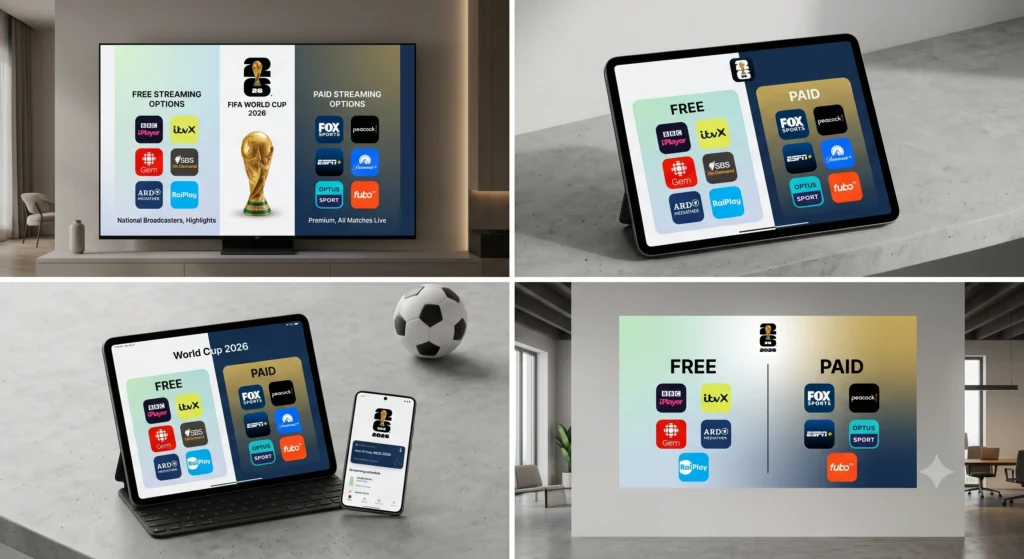
Paid Apps to Watch FIFA World Cup 2026
4. FOX One — Complete 4K Coverage at the Lowest Price
FOX One is FOX’s standalone streaming service and the most affordable way to watch all 104 matches live with English commentary. Every match streams live and on-demand in 4K quality. You get access to FOX, FS1, FS2, and FOX Deportes — which means both English and some Spanish content.
FOX One does not require a cable subscription or TV provider login. According to FOX, subscriptions cost $19.99 per month or $199.99 per year.
Price: $19.99/month or $199.99/year Devices: iOS, Android, Smart TVs, Roku, Apple TV, Fire TV, web browsers Best for: Budget-conscious fans who want every match in 4K without a big monthly bill
5. YouTube TV (Sports Plan) — Best Overall Value
YouTube TV’s Sports plan costs $64.99 per month and includes FOX, FS1, Telemundo, and Universo — giving you complete World Cup coverage in both English and Spanish. According to TimeOut, if you sign up before June 30, you can get it for $10 less per month for the first three months.
YouTube TV also offers unlimited cloud DVR, which is essential if you are in a different time zone or cannot watch matches live. The platform supports multiscreen viewing and works across nearly every device.
Price: $64.99/month (Sports plan) Free Trial: 2 days (some promotions offer up to 21 days) Devices: iOS, Android, Smart TVs, Roku, Apple TV, Fire TV, gaming consoles, web browsers Best for: Fans who want both English and Spanish coverage, cloud DVR, and year-round sports value
6. Fubo — Premium Sports Streaming with Multiview
Fubo has been a go-to platform for soccer fans for years, and it carries FOX, FS1, Telemundo, and Universo — covering all 104 World Cup matches in both languages. According to Fubo, the Pro plan starts at $73.99 per month after a 1-day free trial.
Fubo’s standout feature is Multiview, which lets you watch multiple simultaneous group-stage matches on the same screen — perfect for the final matchday of each group when two games kick off at the same time. It also includes unlimited cloud DVR and supports 4K streaming.
Price: From $73.99/month (Pro plan) Free Trial: 1 day Devices: iOS, Android, Smart TVs, Roku, Apple TV, Fire TV, gaming consoles Best for: Serious soccer fans who want simultaneous match viewing and premium features
7. Hulu + Live TV — Streaming Bundle with Entertainment
Hulu + Live TV carries FOX, FS1, Telemundo, and Universo for full World Cup coverage. What sets it apart is the bundle: your subscription also includes the Hulu streaming library, Disney+, and ESPN+ — making it a better deal if your household already uses those services.
Price: From $89.99/month Free Trial: 3 days Devices: iOS, Android, Smart TVs, Roku, Apple TV, Fire TV, gaming consoles Best for: Households that want World Cup coverage bundled with entertainment streaming
8. Sling TV (Blue Plan) — Cheapest Live TV Option
Sling TV Blue is the cheapest live TV streaming service that includes both FOX and FS1 for English-language World Cup coverage. However, Sling does not carry Telemundo or Universo, so you will only get English broadcasts.
If you do not need Spanish-language coverage and want to keep your monthly cost as low as possible, Sling is the pick.
Price: From $45/month (Blue plan) Devices: iOS, Android, Smart TVs, Roku, Apple TV, Fire TV Best for: Budget viewers who only need English coverage
9. Peacock — Full Tournament in Spanish
Peacock is NBCUniversal’s streaming service and the Spanish-language streaming home for the entire World Cup. According to The Streamable, the Premium plan costs $11 per month and includes all 104 matches via Telemundo’s feed.
Peacock does not offer English-language World Cup commentary. If you want English coverage, you need FOX One or another service that carries FOX/FS1.
Price: From $11/month (Premium plan) Devices: iOS, Android, Smart TVs, Roku, Apple TV, Fire TV, gaming consoles Best for: Spanish-speaking viewers looking for affordable full tournament access
Quick Comparison: FIFA World Cup 2026 Streaming Apps
| App | Price/Month | All 104 Matches | English | Spanish | 4K | Cloud DVR | Free Trial |
|---|---|---|---|---|---|---|---|
| Tubi | Free | 2 matches only | ✅ | ❌ | ✅ | ❌ | N/A |
| FIFA+ | Free | Select matches | Varies | Varies | ❌ | ❌ | N/A |
| YouTube | Free | First 10 min only | ✅ | ✅ | ❌ | ❌ | N/A |
| FOX One | $19.99 | ✅ | ✅ | ❌ | ✅ | ✅ | ❌ |
| YouTube TV | $64.99 | ✅ | ✅ | ✅ | ✅ | ✅ | 2 days |
| Fubo | $73.99 | ✅ | ✅ | ✅ | ✅ | ✅ | 1 day |
| Hulu + Live TV | $89.99 | ✅ | ✅ | ✅ | ❌ | ✅ | 3 days |
| Sling TV | $45.00 | ✅ | ✅ | ❌ | ❌ | ✅ | ❌ |
| Peacock | $11.00 | ✅ | ❌ | ✅ | ❌ | ❌ | ❌ |
How to Choose the Right App for You
Picking the right streaming app depends on three things: your budget, your language preference, and the features you care about.
If you want to spend nothing, start with Tubi for the two free 4K matches (including the US opener) and FIFA+ for highlights and replays. YouTube gives you the first 10 minutes of every match to decide if you want to commit.
If you want the cheapest way to watch every match, FOX One at $19.99/month is hard to beat — full 4K English coverage of all 104 games with no cable subscription required.
If you want the best overall package, YouTube TV’s Sports plan at $64.99/month gives you English and Spanish coverage, unlimited DVR, and broad device support. It is the platform most reviewers currently recommend as the best-value option for World Cup streaming.
If you are a serious football fan who wants to watch two group-stage matches simultaneously, Fubo’s Multiview feature is worth the premium price.
If you only need Spanish coverage, Peacock at $11/month is the most affordable full-tournament option.
Tips for Streaming World Cup Matches on Your Phone
Watching matches on your mobile phone requires a stable internet connection and enough data. Here are a few practical tips:
- Check your mobile data plan before streaming. A single 90-minute match in HD can use 2–3 GB of data. If you are streaming multiple matches daily, you could burn through 20+ GB in a week.
- Use Wi-Fi whenever possible to avoid data overages. If you are watching at home, connect to your home network rather than relying on cellular data.
- Download the app in advance and test it before the tournament starts. Log in, verify your subscription, and make sure live streaming works on your device.
- Enable cloud DVR on YouTube TV, Fubo, or Hulu + Live TV to record matches across different time zones. This is especially useful if games kick off during your work hours.
- If you are a Verizon customer, check the My Verizon app for exclusive World Cup ticket drops and streaming promotions. AT&T customers should look for YouTube TV or Hulu + Live TV bundle deals through their carrier. T-Mobile users can check the T-Life app for potential streaming discounts on sports packages.
For a deeper look at how 5G networks and mobile data work, check out our telecom guides — especially relevant if you are traveling to a host city and need reliable mobile streaming.
Frequently Asked Questions
Can I watch the FIFA World Cup 2026 for free?
Yes, but with limitations. Tubi streams two matches for free in 4K, including the USA vs Paraguay opener on June 12. FIFA+ offers free highlights, replays, and select live matches depending on your region. YouTube provides the first 10 minutes of every match for free through official broadcaster channels. For full live coverage of all 104 matches, you will need a paid subscription.
What is the cheapest app to watch all World Cup 2026 matches?
FOX One at $19.99 per month is the cheapest option for complete live coverage of all 104 matches in English with 4K streaming. If you only need Spanish-language coverage, Peacock costs $11 per month.
Which app is best for watching the World Cup on my phone?
YouTube TV and Fubo both have well-optimized mobile apps with live streaming, cloud DVR, and notification features. YouTube TV’s Sports plan at $64.99 per month offers the best combination of price, device support, and dual-language coverage for mobile viewers.
Can I watch FIFA World Cup 2026 in 4K?
Yes. FOX One streams all 104 matches in 4K. Tubi offers 4K for its two free matches. Fubo and YouTube TV also support 4K streaming on compatible devices through the FOX feed. Make sure your device and internet connection support 4K playback — you will typically need at least 25 Mbps download speed.
How many matches are in the FIFA World Cup 2026?
The 2026 World Cup features 104 total matches — 72 in the group stage and 32 in the knockout rounds. The tournament runs from June 11 to July 19, 2026, with the final held at MetLife Stadium in New Jersey.
Is YouTube TV or Fubo better for the World Cup?
YouTube TV Sports ($64.99/month) is cheaper than Fubo ($73.99/month) and includes the same channels — FOX, FS1, Telemundo, and Universo. Both offer unlimited cloud DVR. Fubo’s advantage is its Multiview feature for watching simultaneous matches on one screen. If you do not need Multiview, YouTube TV offers better value.
The FIFA World Cup 2026 starts June 11. With 48 teams, 104 matches, and 39 days of football across three countries, having the right streaming app ready means you will not miss a single goal. Pick the app that fits your budget and language needs, test it before kickoff, and enjoy the tournament.